
Create QR Code Surveys and Collect Feedback Instantly
Build surveys with text, multiple choice, checkbox, and star rating questions. Place QR tent cards anywhere and watch responses arrive in real time — no app required.
Everything You Need for Surveys & Polls
Purpose-built tools that make managing surveys & polls simple, trackable, and professional.
4 Question Types
Text, multiple choice, checkbox, and star rating questions
Real-Time Analytics
View response charts, rating averages, and distributions as they come in
Required Validation
Mark questions as required to ensure complete responses
Question Protection
Questions automatically lock after the first response to protect data integrity
Scan & Respond
Customers scan a QR code and submit responses in seconds
AI Survey Builder
Describe your survey needs and AI creates the questions for you
Who Is This For
Built for businesses and individuals who want to reach people in the real world.
Hospitality Managers
Place survey QR codes on tables to capture honest feedback while the experience is still fresh.
Event Organizers
Collect post-event satisfaction data with a QR code on your exit signage or goodie bags.
Educators & Trainers
Run quick polls and knowledge checks during workshops by projecting a QR code on screen.
Retail Store Owners
Understand the in-store experience with a brief survey QR code on receipts or countertops.
How It Works
Three simple steps from idea to a scannable QR poster.
Create your surveys & polls
Fill in your details or paste text for AI to structure it for you
Design your QR poster
Use Poster Studio to create a print-ready poster with your QR code
Print, place & track
Put your poster anywhere and watch the scans roll in
Why Choose BluePoster
Everything you need to go from idea to printed QR poster in minutes.
Honest feedback in real time
Physical QR codes on-site encourage immediate feedback while the experience is still top of mind.
Multiple question types
Mix star ratings, multiple choice, and open text to get both quantitative and qualitative insights.
AI generates questions
Describe your survey goal and let the AI draft questions — no survey design expertise needed.
Results dashboard with charts
Visual charts and response counts update live, so you can act on feedback immediately.
See It In Action
A real-world example of how BluePoster powers surveys & polls.
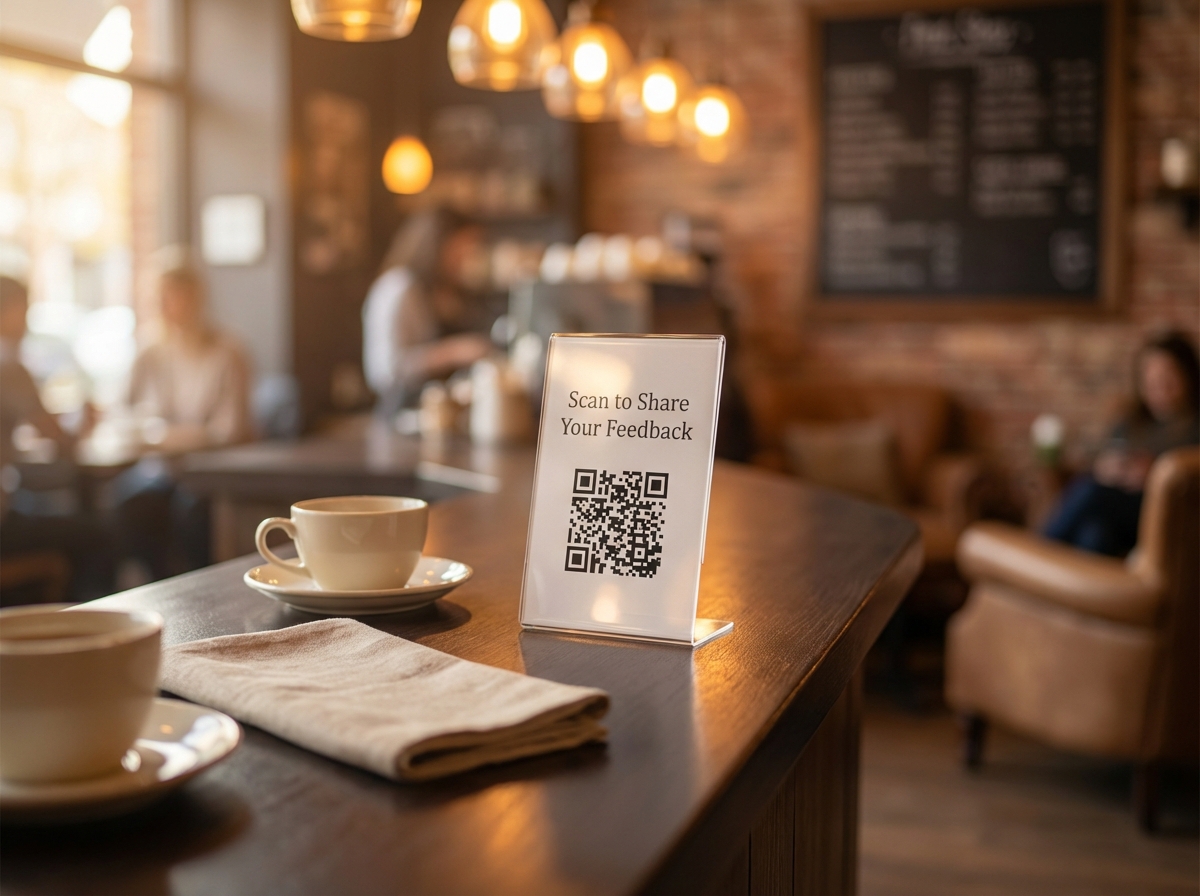
Cafe Customer Feedback
A coffee shop places QR tent cards on every table. Customers scan to share their experience through a quick survey — no app needed.
Try It FreeFrequently Asked Questions
How do I create a QR code survey?
What question types are supported?
Can I see results in real time?
Can I use AI to generate survey questions?
Can respondents skip questions?
Explore More Solutions
Discover other ways BluePoster helps you connect with your audience.
Ready to Create Your Survey?
Start for free — no credit card required. Create your first survey in under a minute.