
Turn Any Idea Into a Scannable Post in Seconds
Turn any idea into a scannable post in seconds. Publish any type of web post, then design your QR code poster to print, share, and track anywhere in the real world.
What Can You Create?
From marketplace listings to digital menus — 8 specialized post types for every need
Sell Items
List anything for sale with photos, pricing, and condition details. Buyers scan your QR code to see the full listing and contact you instantly.
- Photo gallery with multiple images
- Price & condition badges
- Location-based discovery
- Contact seller directly
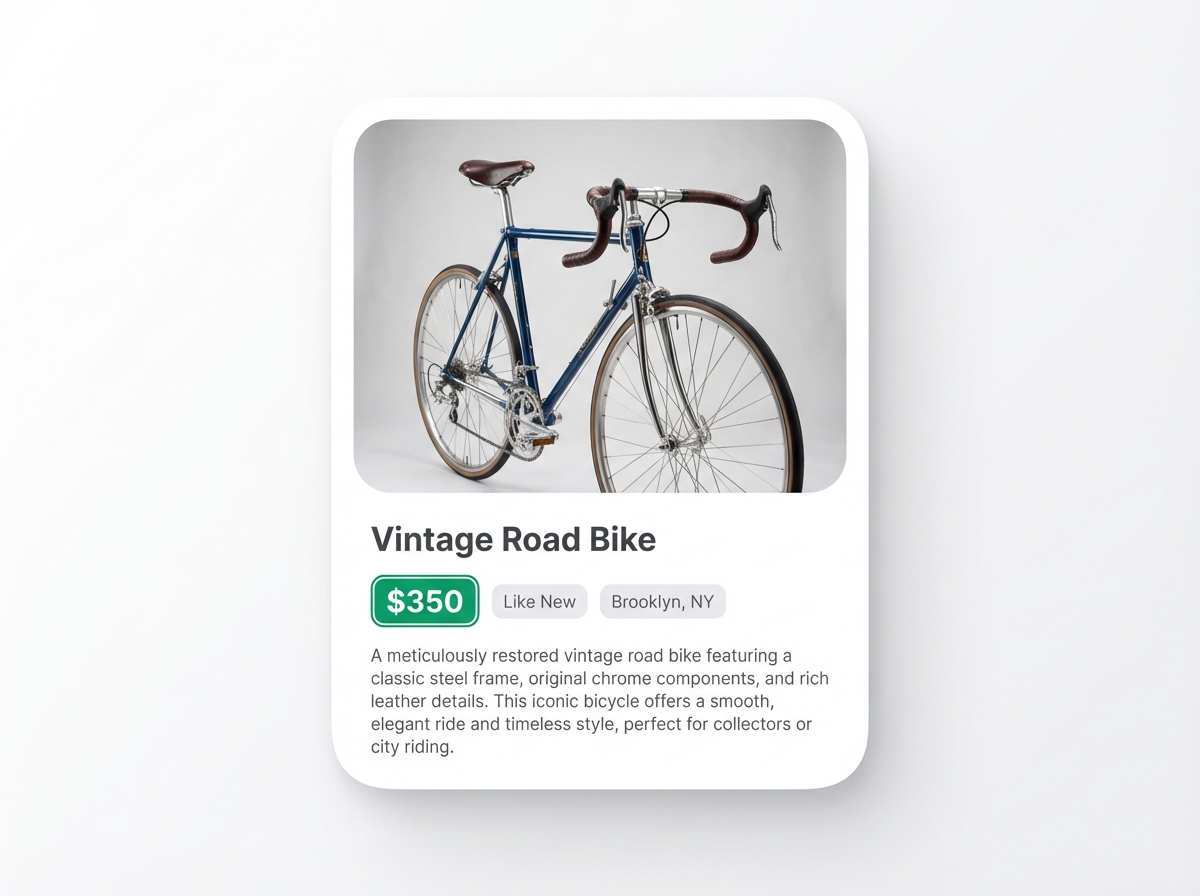
Just Describe It. AI Does the Rest.
Paste any text — a description, ad copy, even messy notes — and our AI instantly structures it into a ready-to-publish post.
Your Text
Structured Post
Design Print-Ready Posters with Poster Studio
A full drag-and-drop canvas editor built right into BluePoster. Create stunning QR posters and export at 300 DPI for professional printing.
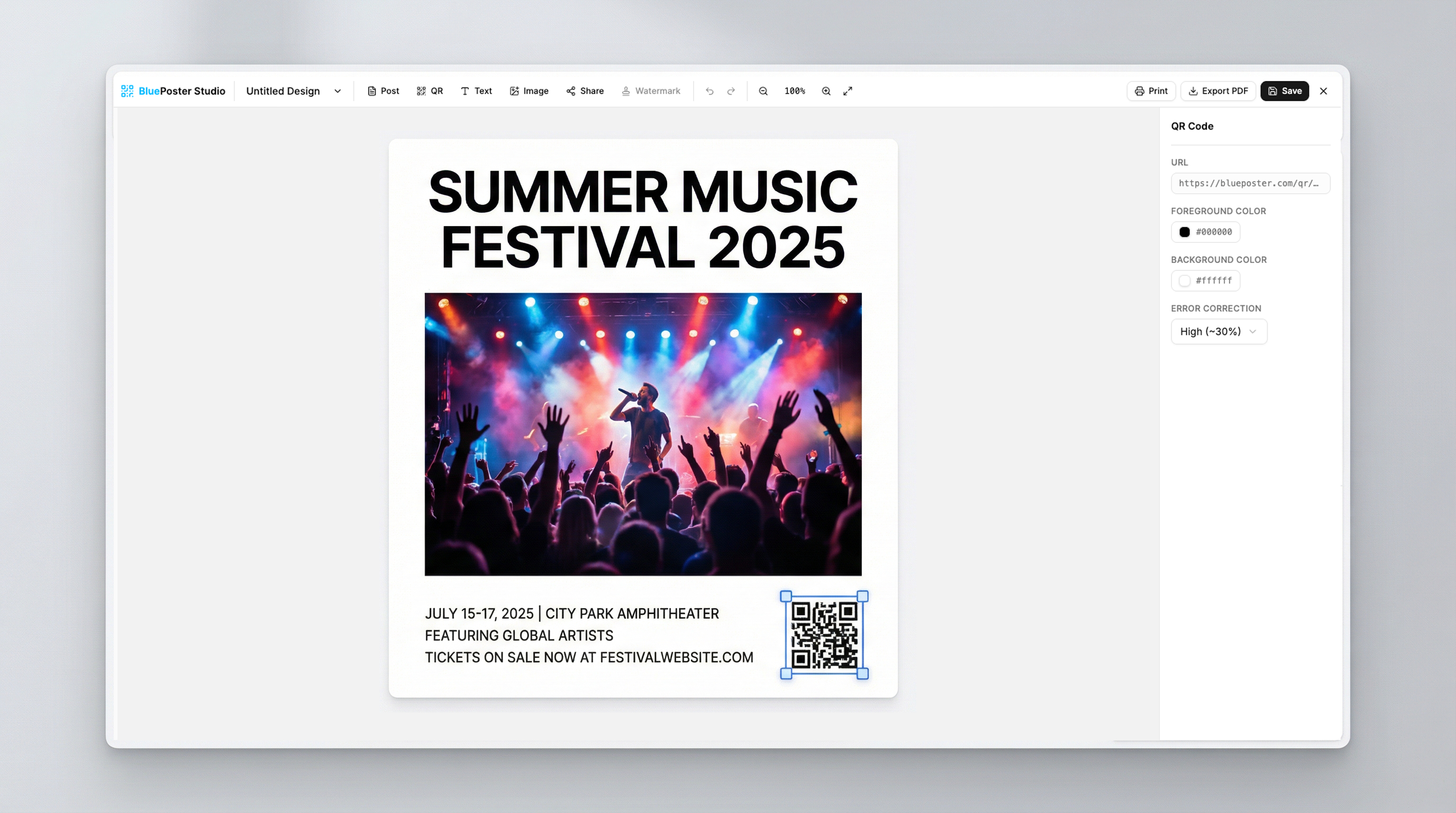
Freely position QR codes, text, and images on your poster
5 curve effects including arch, wave, and circle paths
Professional print quality for any paper size
Reorder, rename, and manage layers with full control
QR Codes Everywhere. Your Posts, Anywhere.
See how people use BluePoster to bridge the digital and physical world
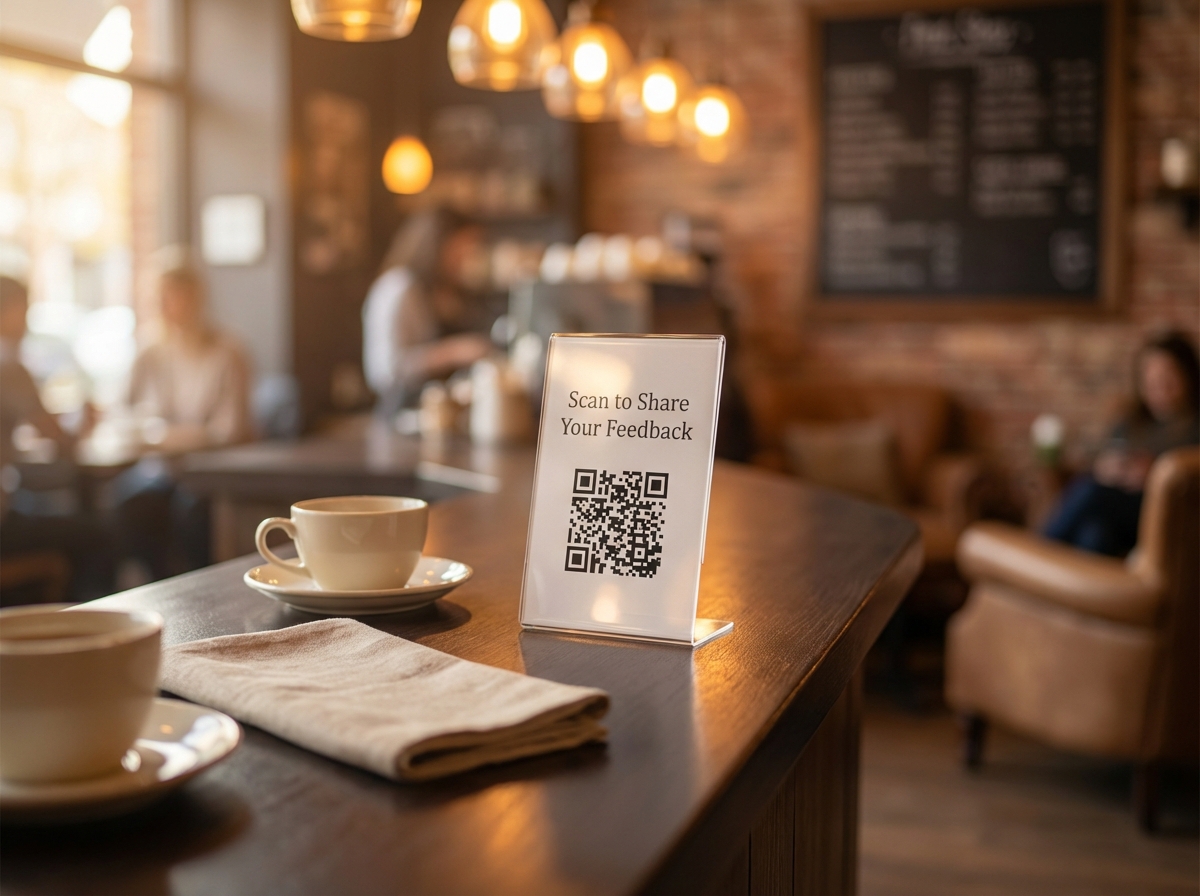
Cafe Customer Feedback
A coffee shop places QR tent cards on every table. Customers scan to share their experience through a quick survey — no app needed.
Explore QR surveys →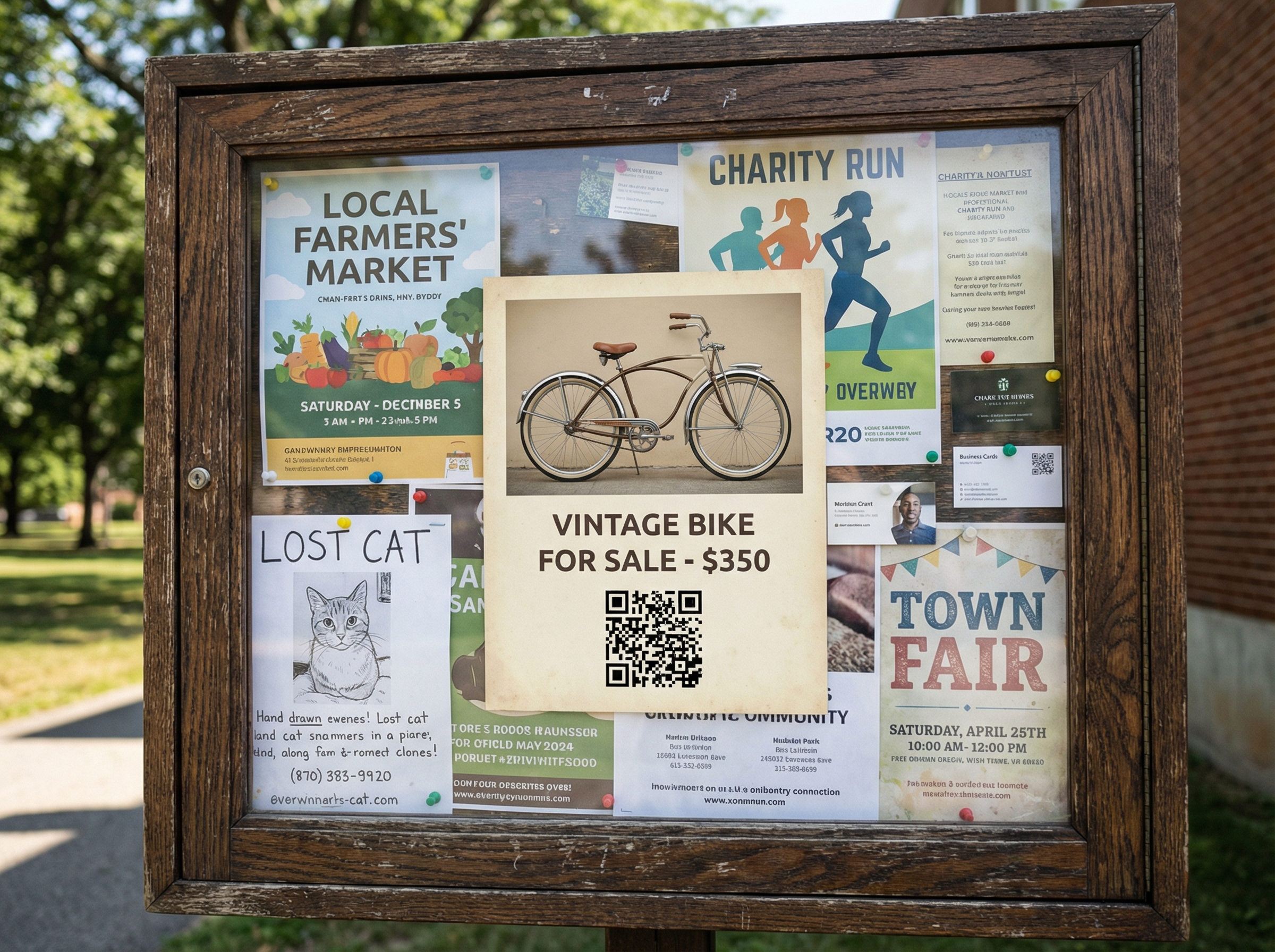
Neighborhood Marketplace
Sellers print QR posters for bikes, furniture, and electronics. Pin them on community bulletin boards and reach local buyers instantly.
Explore QR sell listings →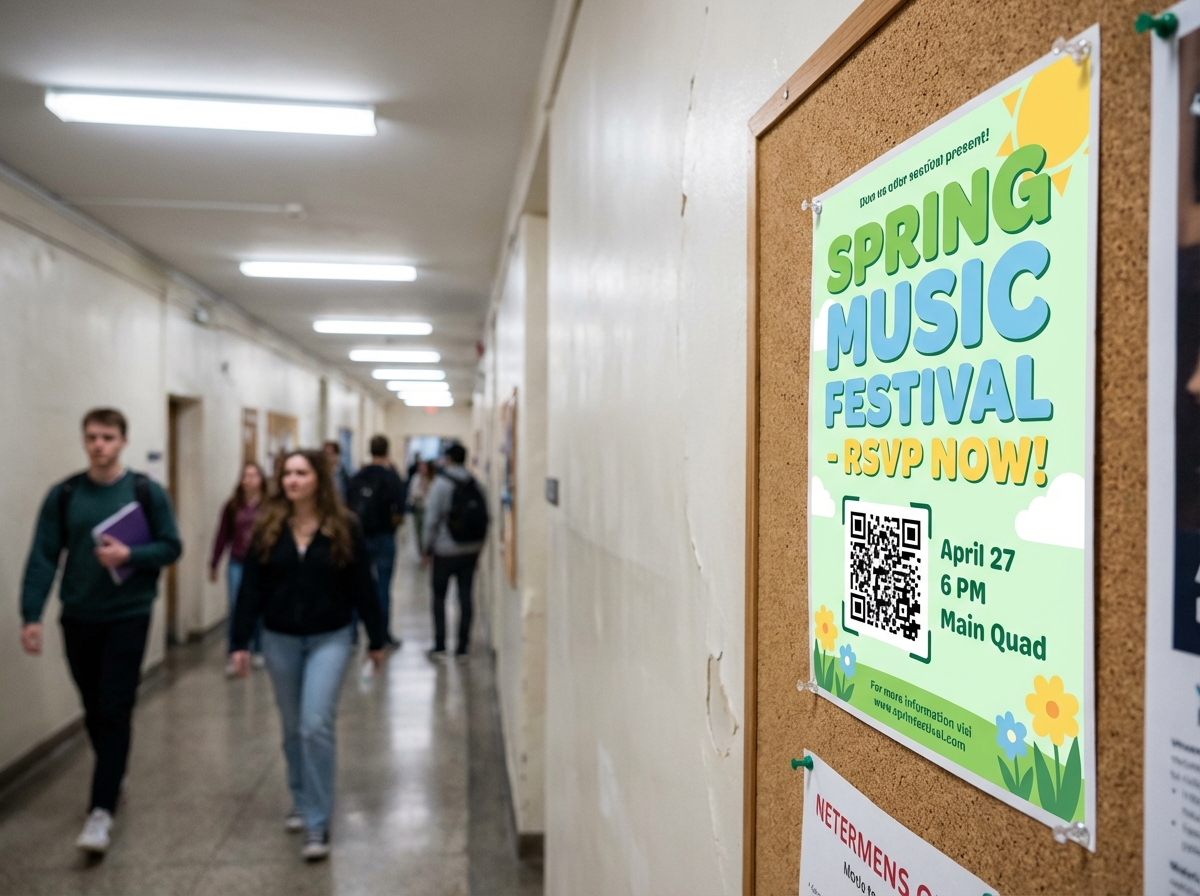
Campus Event RSVP
Student organizations put up event posters with QR codes. Scan to RSVP, get calendar invites, and track capacity — all automated.
Explore QR event pages →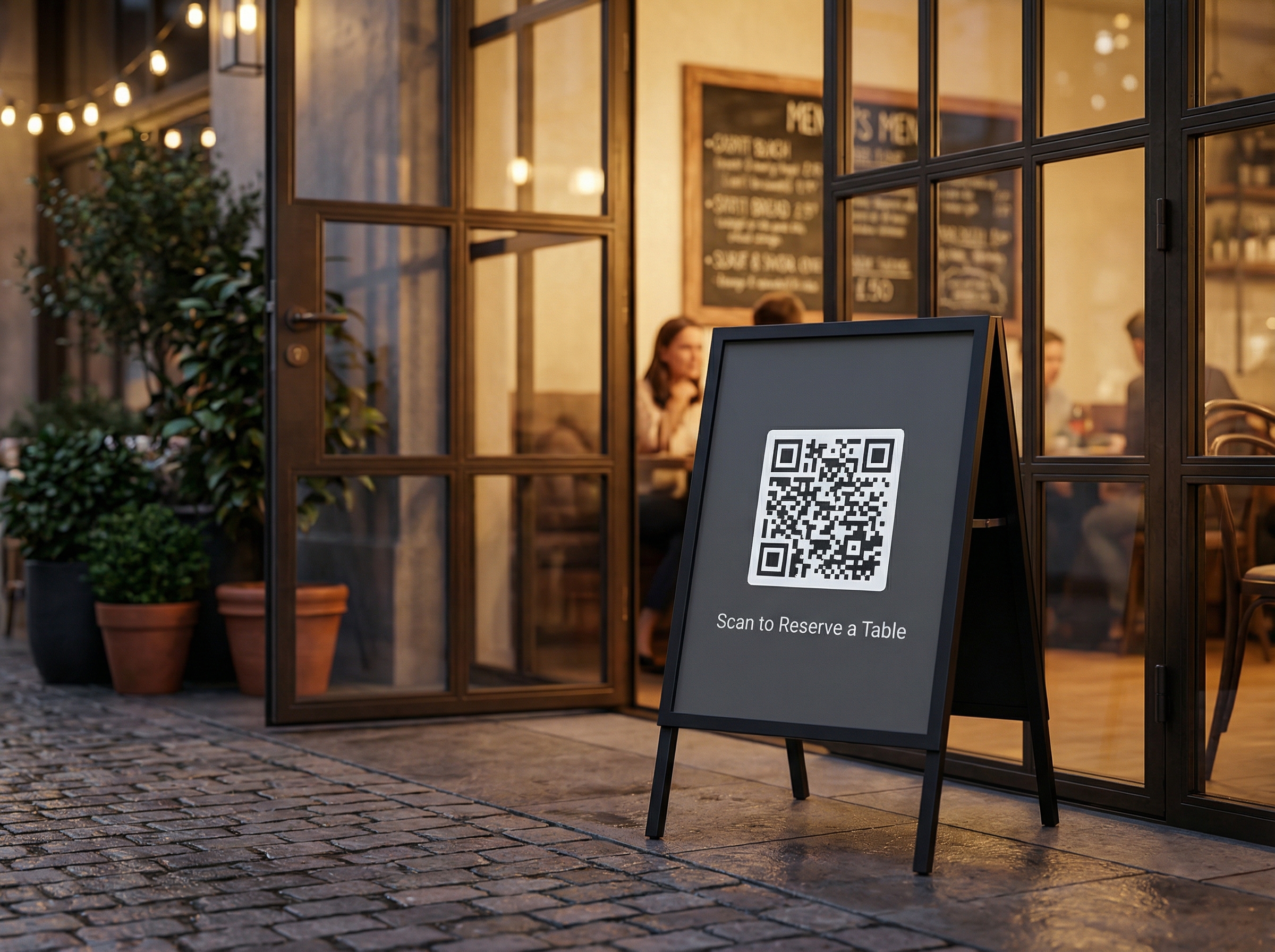
Restaurant Table Booking
A restaurant places an A-frame sign at the entrance. Guests scan the QR code to pick a date, time slot, and party size — no phone call required.
Explore QR reservations →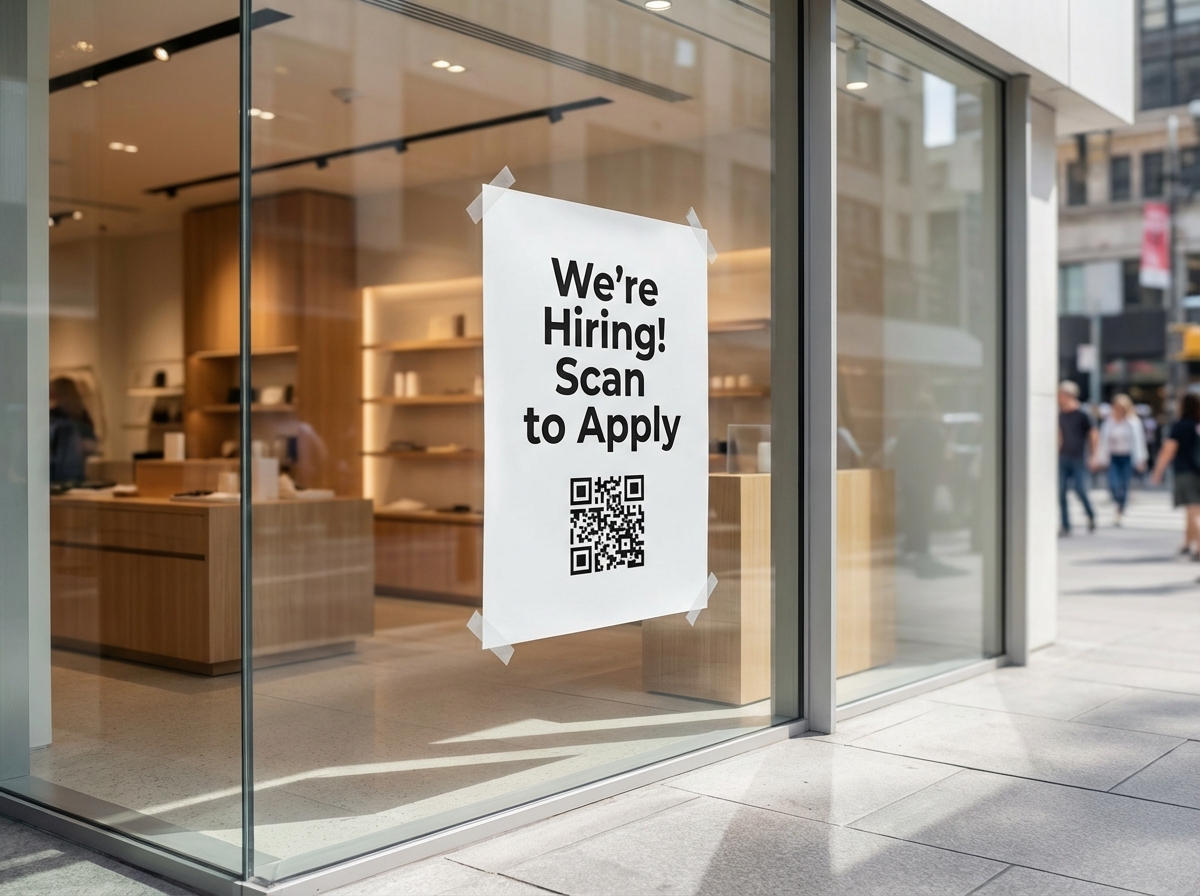
Storefront Hiring
Retailers post hiring QR posters in their windows. Job seekers scan to see the full listing with salary, schedule, and how to apply.
Explore QR job postings →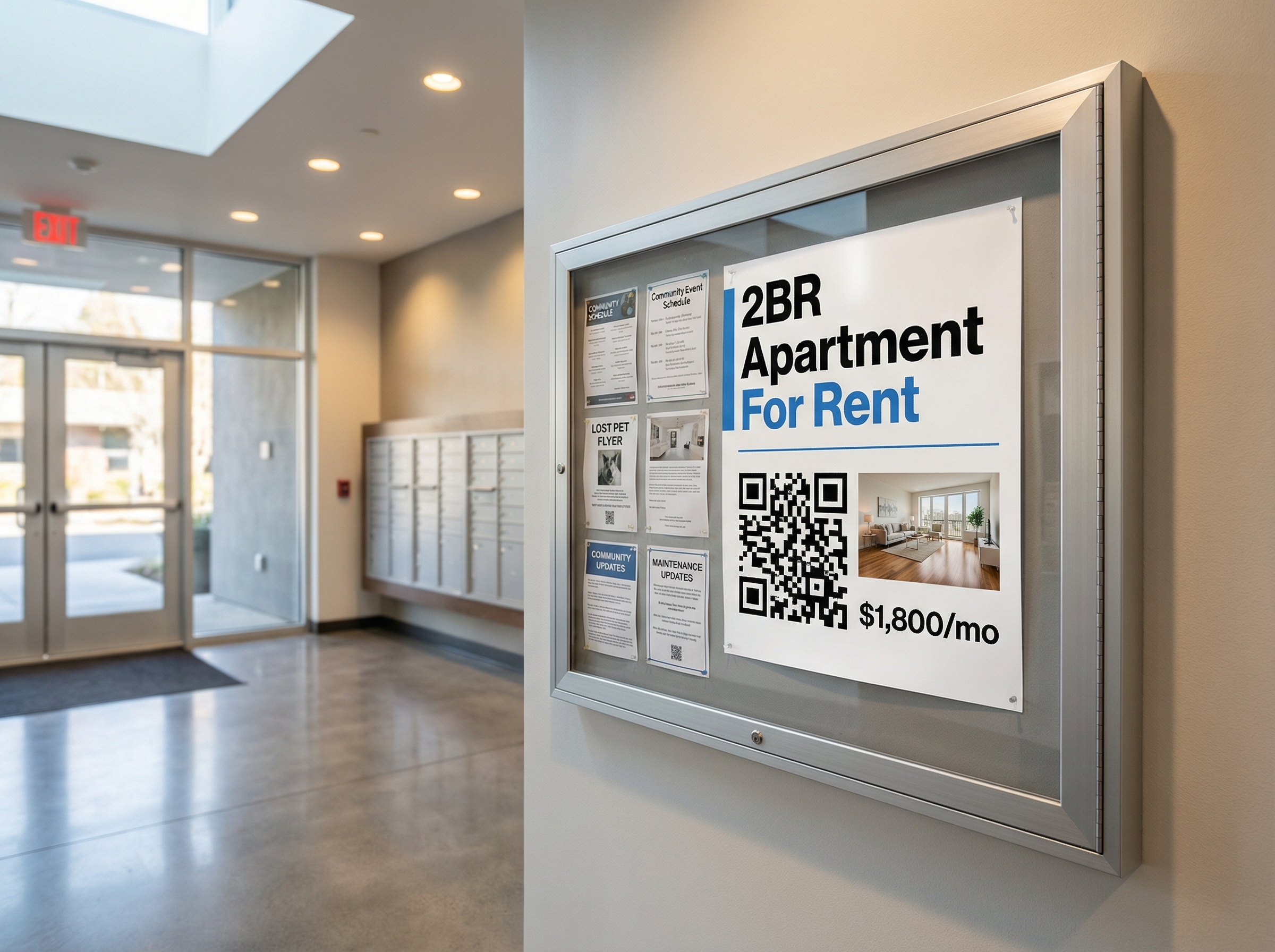
Apartment For Rent
Property managers pin QR flyers in building lobbies. Prospective tenants scan to see photos, floor plans, pricing, and apply directly.
Explore QR rental listings →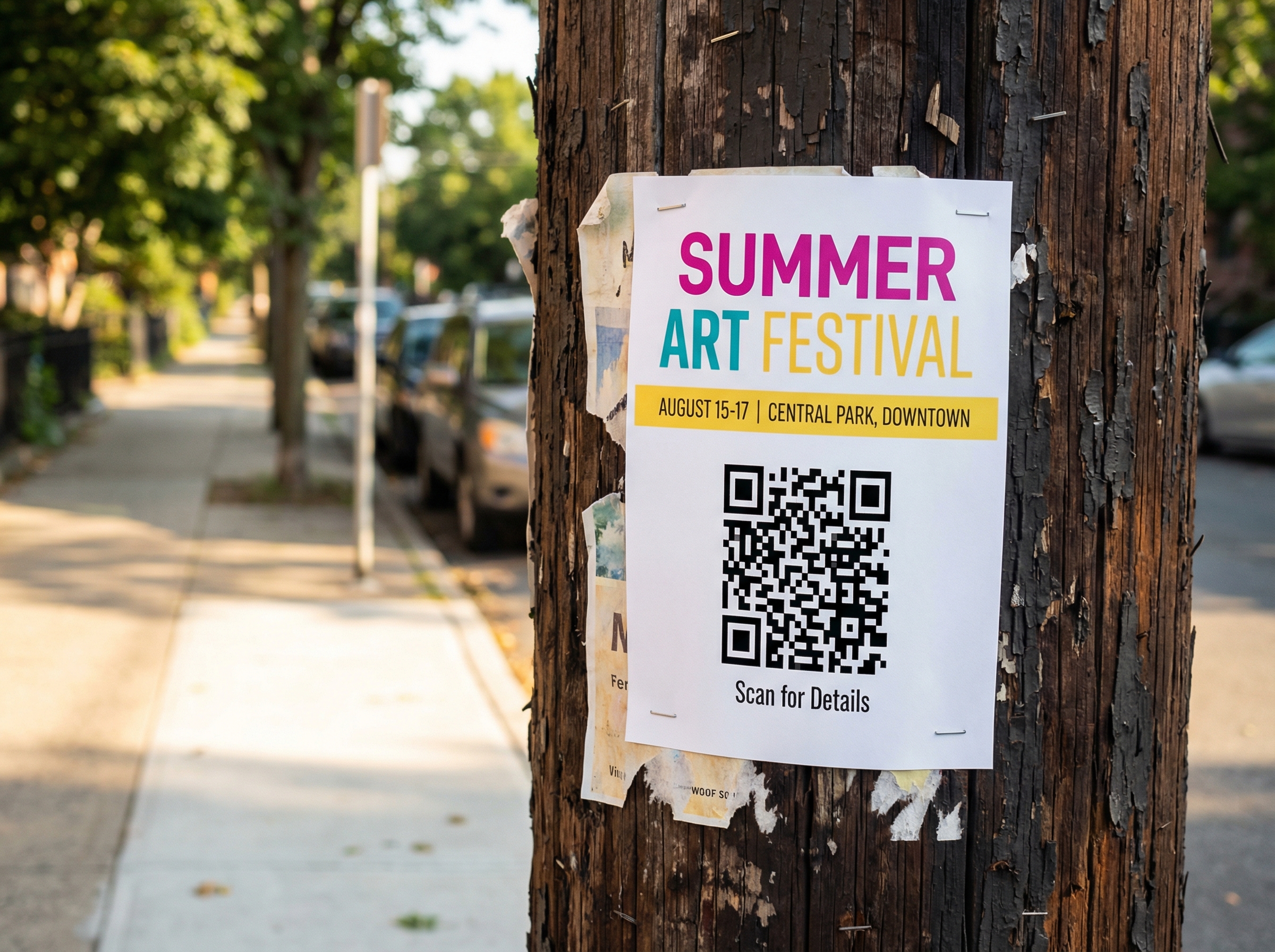
Street Art Festival
Organizers staple colorful posters on poles around the neighborhood. Passers-by scan to see the full schedule, location map, and share with friends.
Explore QR flyers →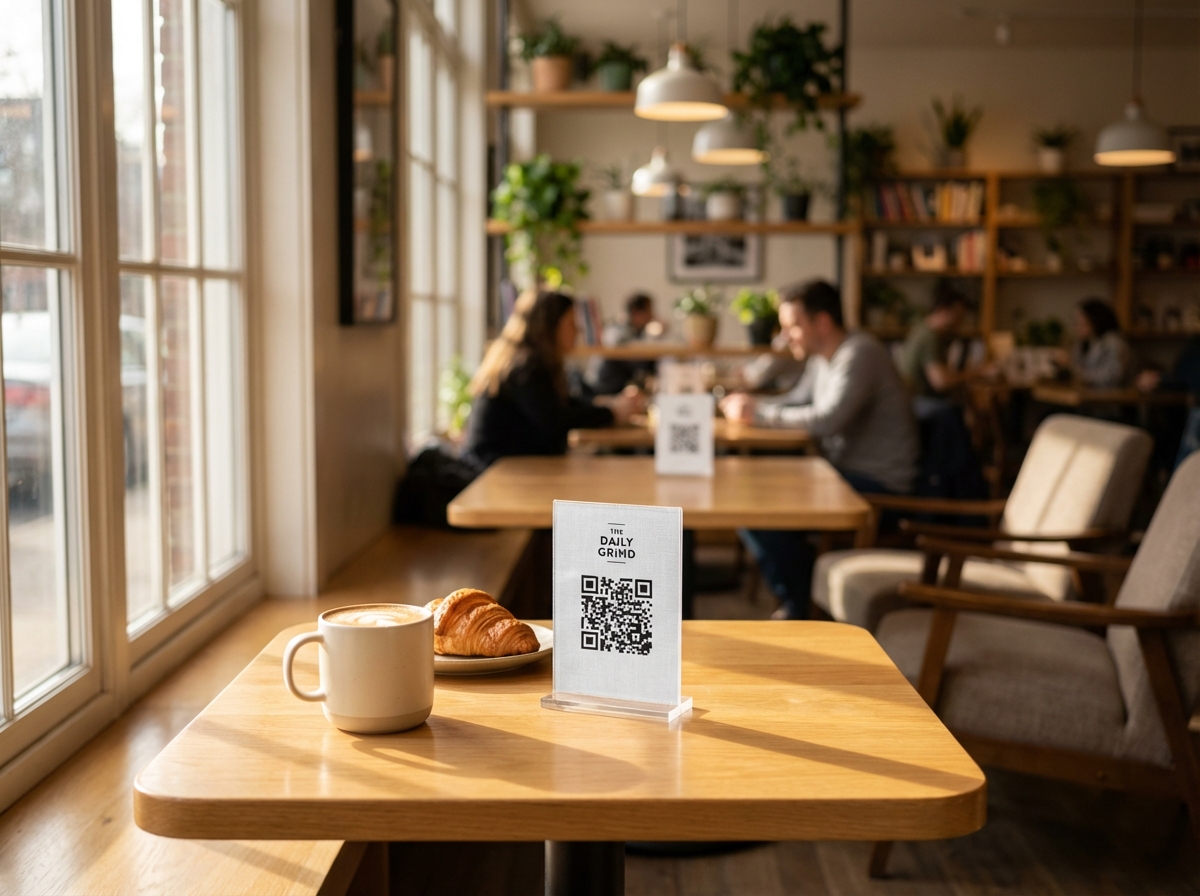
Cafe Table Menu
A cafe places QR tent cards on every table. Customers scan to browse the full digital menu with photos, prices, and descriptions — no printed menus needed.
Explore QR digital menus →How It Works
From idea to printed QR poster in four simple steps
Describe or Choose
Type a description and let AI structure it, or pick from 7 specialized post types and fill in the fields yourself.
Customize & Upload
Add photos, configure pricing, set up survey questions, time slots, or any fields specific to your post type.
Get Your QR Code
Every post gets an instant QR code. Open Poster Studio to design a custom printable poster with drag-and-drop.
Print, Share & Track
Print your QR poster and place it anywhere. Track scans, collect responses, and manage everything from your dashboard.
Everything You Need, Built In
A comprehensive toolkit for creating, sharing, and tracking posts with QR codes
Location integration with geocoding
Embed video links on any post
S3 + CloudFront CDN hosting
Separate scan vs. view analytics
Inline email verification flow
Text-to-structured-post via Claude AI
Drag-and-drop poster designer
300 DPI print-quality exports
Charts, averages & response data
.ics email attachments for events
Time-based reservation system
Automatic RSVP & booking limits
Every page works on any device
Arch, wave, circle text layouts
Full layer management in Studio
Deadline-based cancellation rules
Ready to Create Your First Post?
Join thousands of users bridging the digital and physical world. No credit card required.
8 Post Types
Sell, Survey, RSVP, Reservation, Flyer, Job, Rental, Menu
Print-Ready QR Codes
300 DPI export with Poster Studio
AI-Powered Creation
Describe your post, AI structures it
Built-in Dashboards
Track responses, RSVPs & bookings