
Create a QR Code Menu for Your Restaurant
Build a full digital menu with categories, item photos, and prices. Place QR tent cards on every table and let customers browse your menu on their phones — no app, no printing updates needed.
Everything You Need for Digital Menus
Purpose-built tools that make managing digital menus simple, trackable, and professional.
Category Builder
Organize items by categories like Appetizers, Main Course, Drinks
Drag-and-Drop
Reorder categories and items with intuitive drag-and-drop
Item Photos
Add up to 10 photos per menu item for a visual menu experience
Price Variants
Multiple prices per item (Small, Medium, Large) with currency formatting
Serving Hours
Set business hours and per-item availability (breakfast only, etc.)
Tableside QR
Print QR tent cards — customers scan to browse your full menu
Who Is This For
Built for businesses and individuals who want to reach people in the real world.
Restaurant Owners
Replace printed menus with a digital one that updates instantly. No more reprinting costs when prices change.
Cafe Managers
List seasonal drinks, daily specials, and bakery items with photos. Update availability in real time.
Food Truck Operators
Display your rotating menu on a QR sticker on the truck window. Change items between stops without printing.
Bar & Pub Owners
Create a drinks menu with cocktail photos and happy-hour pricing that updates automatically.
How It Works
Three simple steps from idea to a scannable QR poster.
Create your digital menus
Fill in your details or paste text for AI to structure it for you
Design your QR poster
Use Poster Studio to create a print-ready poster with your QR code
Print, place & track
Put your poster anywhere and watch the scans roll in
Why Choose BluePoster
Everything you need to go from idea to printed QR poster in minutes.
No reprinting costs
Update prices, add specials, or remove sold-out items without printing a single new menu.
Real-time updates
Changes go live instantly. Customers always see your current menu when they scan.
View analytics
Track how many customers browse your menu and which items get the most attention.
Professional look
A well-organized digital menu with photos looks polished without any design skills.
Works on any phone
Opens in the browser — no app download, no friction for first-time customers.
See It In Action
A real-world example of how BluePoster powers digital menus.
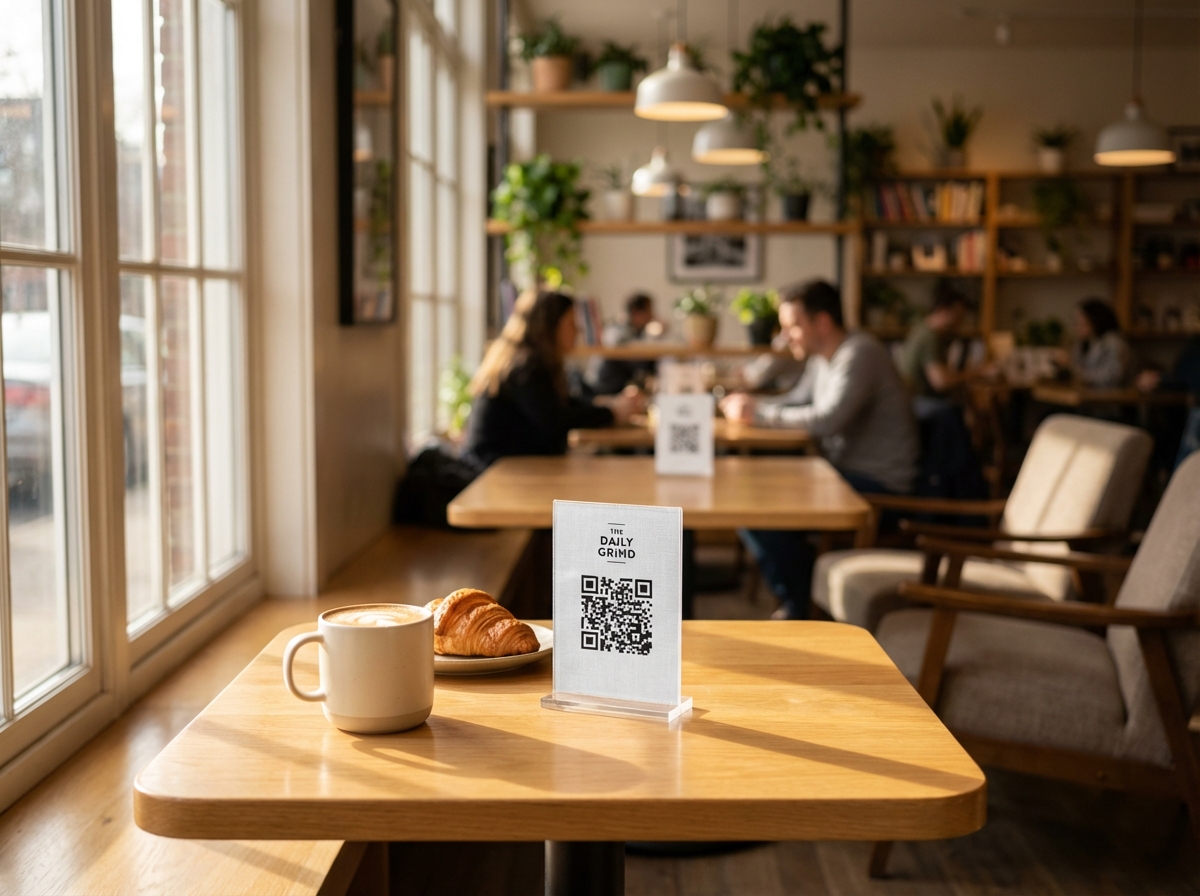
Cafe Table Menu
A cafe places QR tent cards on every table. Customers scan to browse the full digital menu with photos, prices, and descriptions — no printed menus needed.
Try It FreeFrequently Asked Questions
How do I create a QR code menu?
Is the QR code menu free?
Can I update my menu after printing the QR code?
Do customers need to download an app?
What information can I include in my digital menu?
Can I set different prices for different item sizes?
Explore More Solutions
Discover other ways BluePoster helps you connect with your audience.
Ready to Create Your Digital Menu?
Start for free — no credit card required. Create your first digital menu in under a minute.